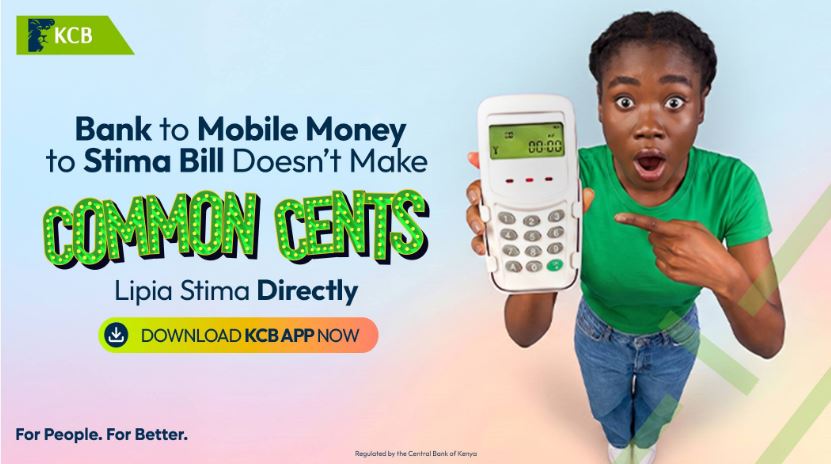
You do this often: send money from the bank to mobile money, then from mobile money to KPLC, just to keep the lights on.
Here’s how to buy KPLC tokens on the KCB App — or dial *522# — and lipa stima directly from your account, in well under a minute.
What you need
• The KCB Mobile App (or any phone for *522#).
• Your KPLC prepaid meter number.
• Enough money in your KCB account to cover the purchase.
How to buy KPLC tokens on the KCB App
1. Open the KCB Mobile App and log in.
2. Tap Pay Your Bills (or the Pay option on the home screen).
3. Select KPLC / Buy Tokens.
4. Enter your prepaid meter number.
5. Enter the amount you want to buy.
6. Check the details on screen, then confirm and authorise with your PIN.
7. Your token is sent to you by SMS (and shown in the app). Enter the 20-digit token into your meter.
How to buy KPLC tokens via *522# (no smartphone)
1. Dial *522# on your phone.
2. Select the Payments / Pay Bills option.
3. Select KPLC.
4. Enter your meter number, then the amount.
5. Confirm with your PIN and receive your token by SMS.
Prepaid vs postpaid — a quick note
Tokens apply to prepaid meters. If you are on a postpaid (monthly bill) account, you pay your bill using your account or bill number rather than buying a token. The app caters for both; just choose the option that matches your meter.